Reduce permit errors, speed up planning, and standardise access with SSO.
Since November, our team has been shaping 1Streetworks v1.21. A major update designed to help street works and permitting teams work faster, smarter and with greater accuracy. Users asked for quicker, standardised access, simpler map layer management, and clearer visibility of administrative responsibilities, and this release delivers exactly that.
1Streetworks v1.21 introduces secure single sign‑on (SSO) with OAuth and SAML for seamless login, a redesigned map layers panel for faster control and cleaner navigation, administrative boundary layers to reduce permit submission errors, and TfL stop codes to streamline bus service planning.
Alongside these core upgrades, v1.21 includes a range of quality‑of‑life enhancements across timetables, PDFs, Welsh signage, drafting tools and more, helping teams complete street works planning with clarity and confidence.
Single Sign-On (SSO) for faster, secure access
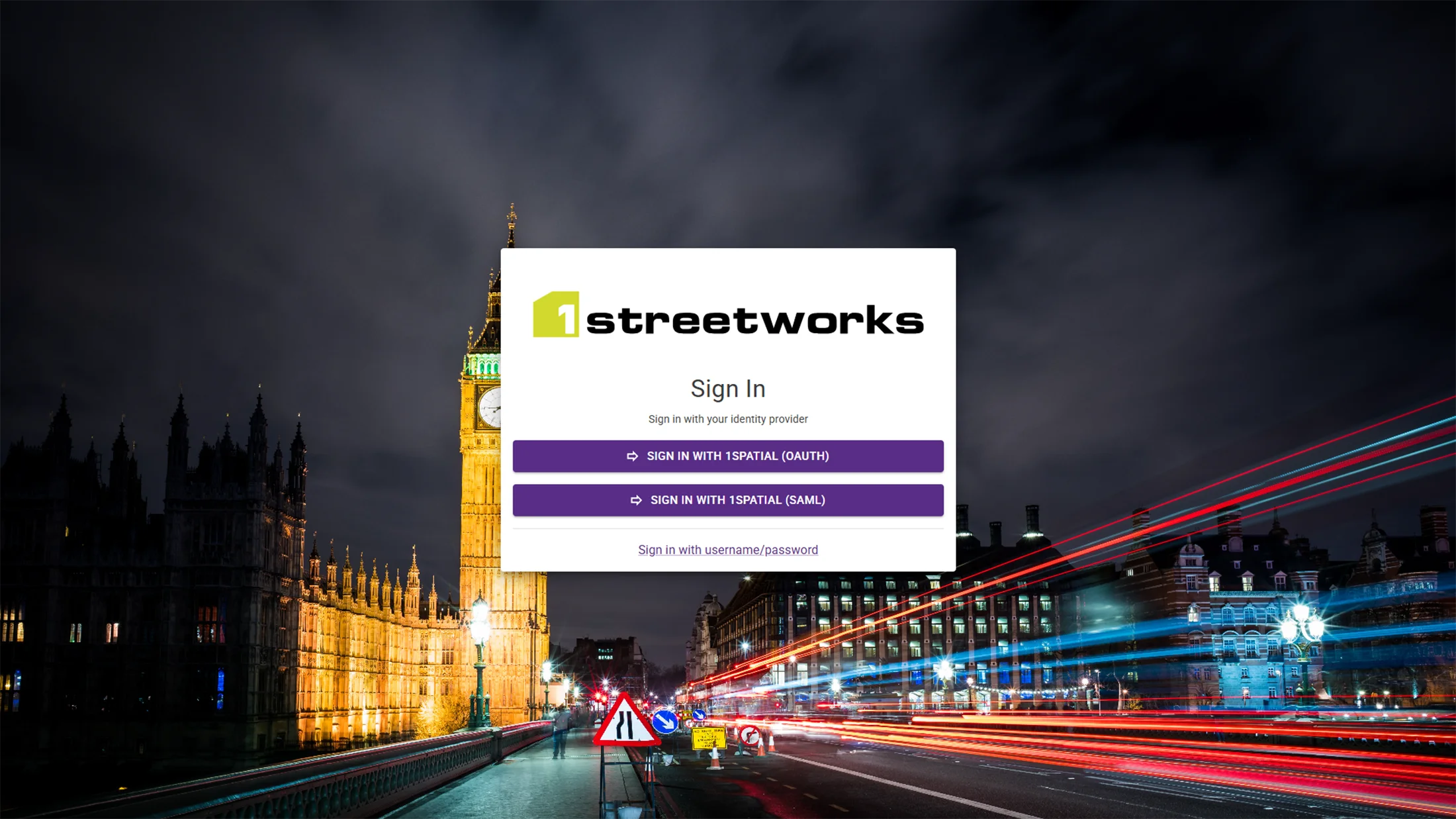
1Streetworks v1.21 now supports SSO, letting users log in through their organisation’s existing identity provider. With full OAuth and SAML integration, teams can connect popular enterprise IdPs quickly and securely.
Why it matters: SSO standardises access, reduces password resets, strengthens security and removes login friction for planners and field teams.
What’s new: Users can authenticate directly via their organisation’s IdP, while traditional username/password login remains available.
How it works: Our team helps connect your identity provider so users can sign in instantly using their usual credentials.
Who benefits:
- IT teams: Centralised control and fewer support tickets
- Users: Faster sign‑in with no extra passwords
Smarter Map Layers (redesigned for clarity and speed)
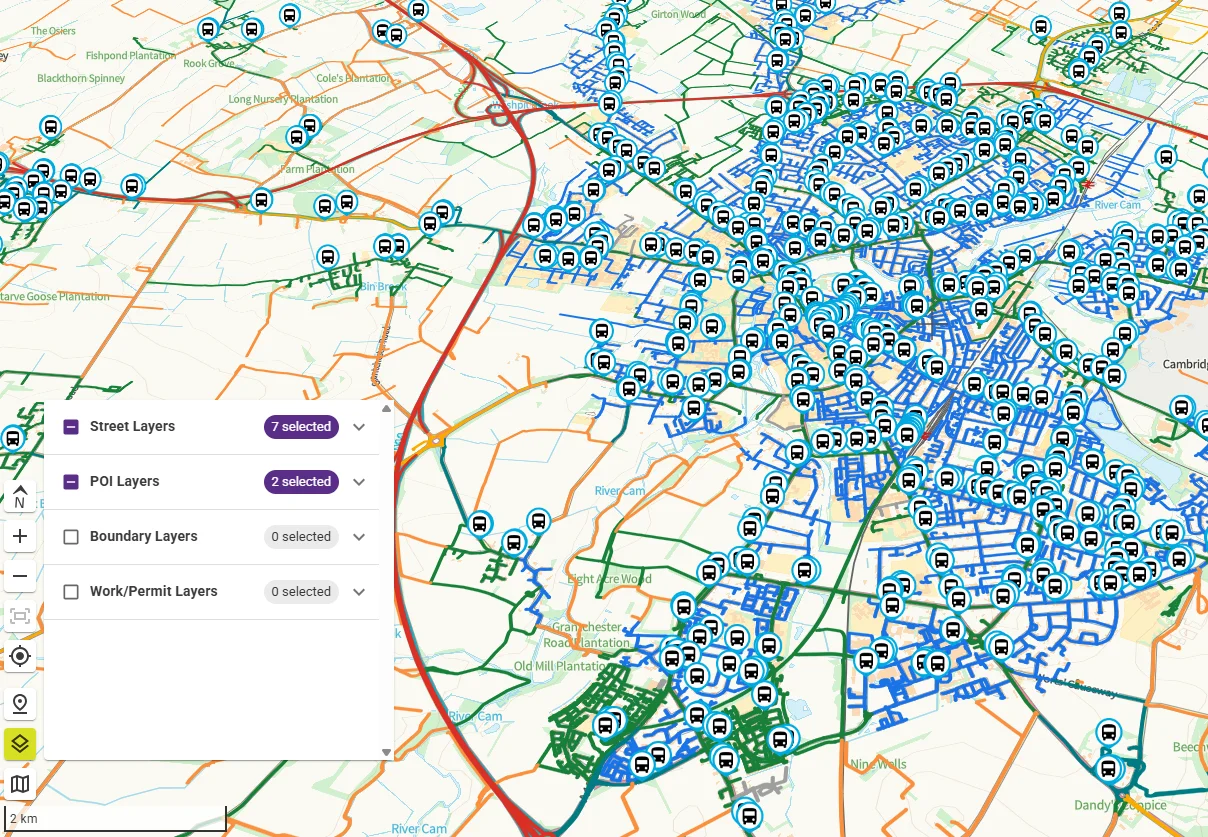
Understanding location context is critical in street works planning, so 1Streetworks v1.21 introduces a redesigned map layers panel that makes layers easier to find, manage and control. The new layout groups layers into clear vertical categories, displays how many layers are selected within each group, and allows users to toggle entire categories on or off with a single click.
Why it matters: Teams spend less time searching for the right layers and make fewer visibility mistakes, improving accuracy during planning and reviews.
What’s new: Vertical category grouping, per‑group layer counts and one‑click category toggles for faster, cleaner map interaction.
Outcome: More efficient planning sessions and a consistent, reliable view of the works area.
Administrative boundaries for clearer, more accurate permit planning
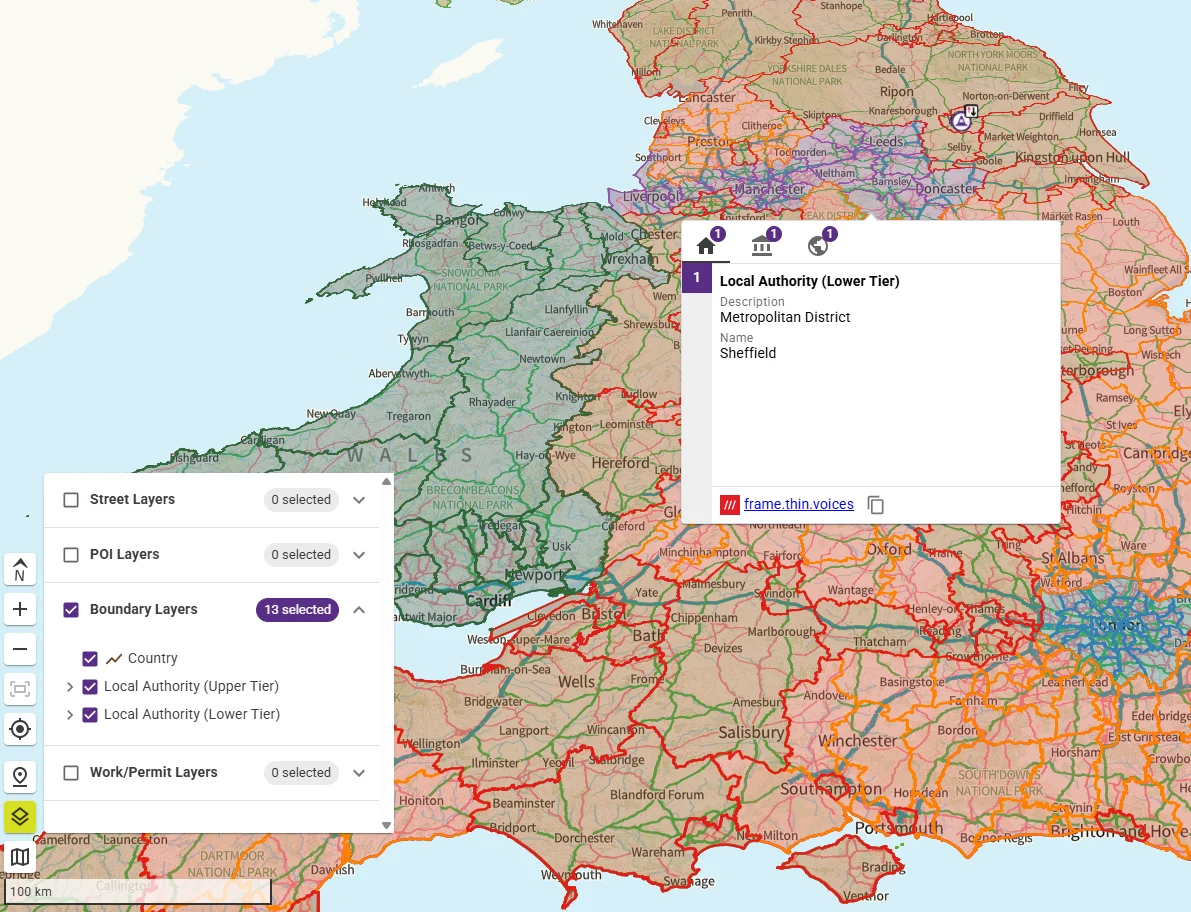
Local authorities apply different rules and requirements for street works permits, so knowing exactly which authority you’re working within is essential for accurate submissions. 1Streetworks v1.21 introduces new administrative boundary layers at the country, upper tier, and lower tier levels, giving teams immediate clarity when planning works near borders or across multiple authorities.
Why it matters: Permit conditions vary widely between authorities, and boundaries can be difficult to interpret on busy maps. Clear, reliable boundary layers help avoid costly mistakes, misrouted permits and delays caused by submitting to the wrong authority.
What’s new: Detailed administrative boundaries covering country, upper tier and lower tier authorities, all directly accessible within the 1Streetworks map.
Outcome: Fewer submission errors, more confident planning, and smoother workflows when operating near jurisdiction edges or across several authorities at once.
TFL stop codes for more accurate bus service planning
Bus stop information is crucial when planning works that affect public transport routes. 1Streetworks v1.21 now includes TfL‑specific stop codes, adding greater accuracy to suspension and diversion planning across London. These codes are shown alongside existing ATCO and NaPTAN data, giving users a complete and reliable view of stop locations.
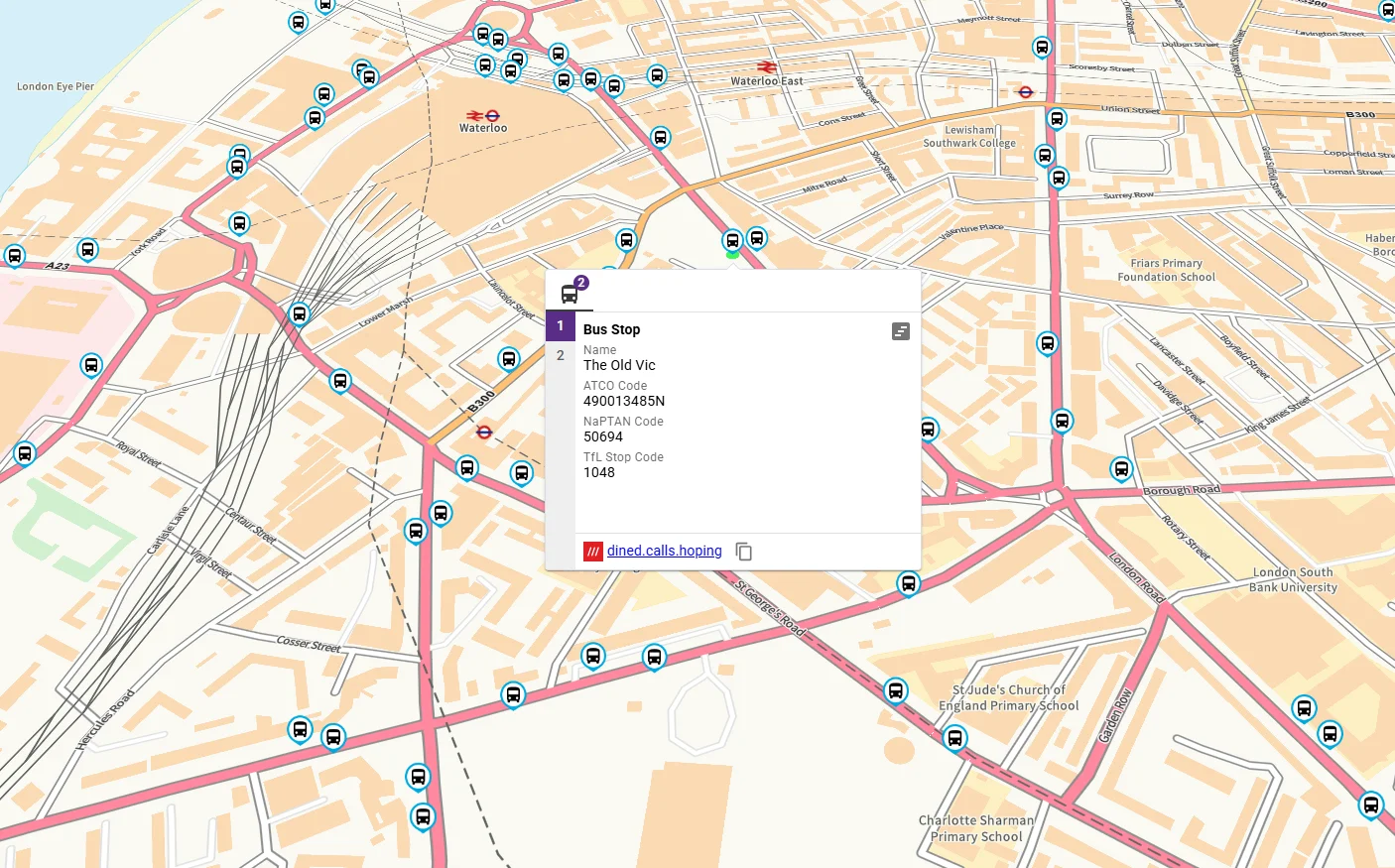
Why it matters: When managing works that impact bus services, planners need precise stop identifiers to avoid errors, delays or incomplete diversion plans. TfL stops were a key missing data point, now fully integrated to support smoother planning in busy urban areas.
What’s new: TfL stop codes are now displayed directly within 1Streetworks, complementing ATCO and NaPTAN codes for a more comprehensive and London‑accurate dataset.
Outcome: More reliable diversion planning, faster identification of affected services, and fewer mistakes when suspending or modifying bus routes during works.
And more in v1.21
Beyond the headline features, 1Streetworks v1.21 delivers a series of quality‑of‑life upgrades designed to make everyday planning faster, clearer and more consistent. These enhancements refine the tools teams use most often, boosting efficiency across workflows.

 Redesigned bus timetable for clearer service information
Updated PDF notes widget for cleaner, more consistent documentation
Additional Welsh signage to support compliant traffic management plans
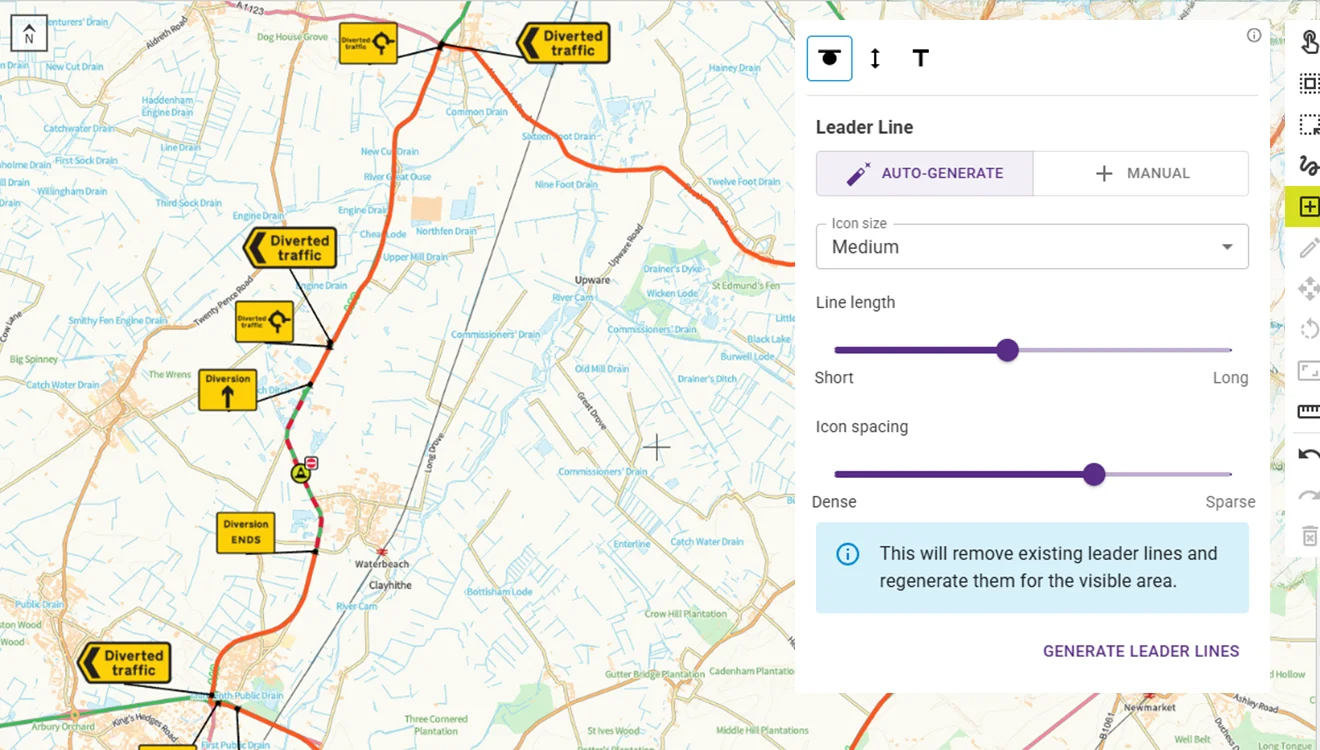
Customisable diversion lines for more accurate route planning
These enhancements help teams produce more accurate plans, reduce rework and maintain compliance across every stage of the street works process.